Why Co-Living Teams Still Need Backup Lockboxes With Smart Locks
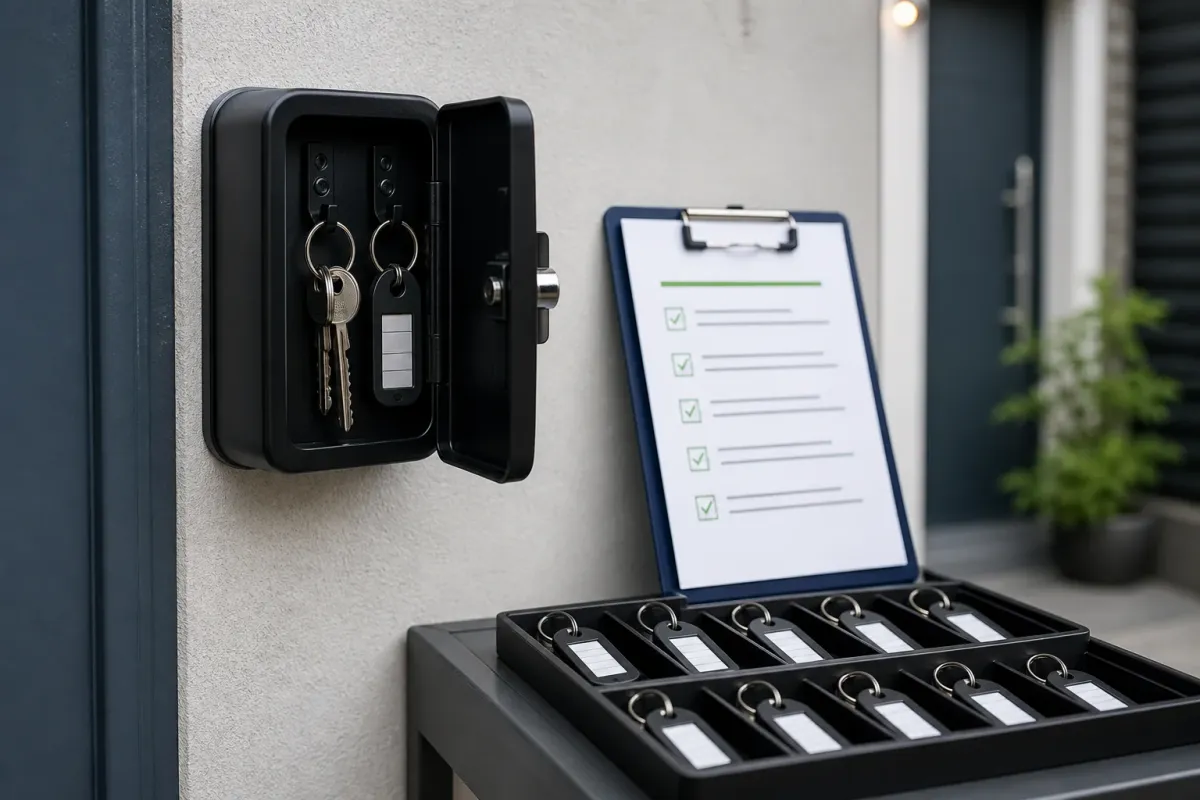
Smart locks reduce key problems. They do not eliminate access problems.
A backup key protocol is still one of the simplest ways to prevent a small lock issue from becoming an emergency.

Why backup access matters
Even good smart locks can fail operationally. Batteries die, gateways go offline, doors shift, Wi-Fi drops, residents mistype codes, and app permissions get messy.
When that happens, your team needs a backup process that is secure, documented, and easy to follow under pressure.
Recommended lockbox options
For shared housing, we prefer thinking in terms of one door, one backup key, one documented release rule.
Puroma individual door key lockbox
Use case: Backup physical key for each door
Use with a clear code-release, key-return, and code-rotation protocol.
View productPuroma outdoor / weather-resistant lockbox
Use case: Weather-resistant backup key storage
Use for exposed or exterior locations where a protected indoor lockbox will not work.
View productThe one-door, one-key rule
The cleanest protocol is usually specific backup storage for specific access points: front door, Bedroom 1, Bedroom 2, utility room, mailbox, storage, or other controlled spaces.
Do not treat lockbox codes like public information.
Define who can approve access before the emergency happens.
Rotate codes after sensitive use cases or on a defined schedule.
Log when a backup key is released and confirm when it is returned.
Avoid labels that expose a public address, room, or resident identity.
Tenant Reply workflow
Tenant Reply should not blindly send lockbox codes. It should help the team follow the access protocol.
Who is asking, which property, which door, and what is the reason?
Does a lockbox exist, and does this request require manager approval?
Send approved instructions or escalate before releasing sensitive access.