Recommended Access & Operations Stack for Co-Living Teams
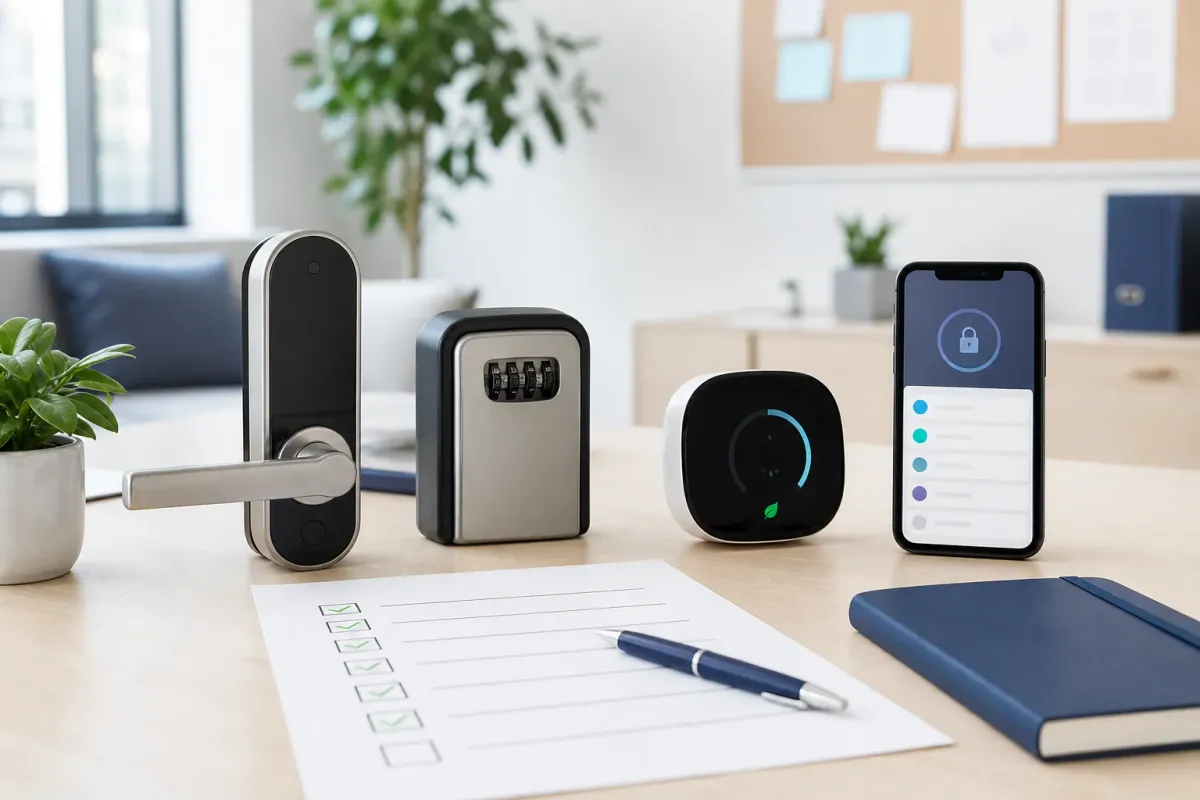
Most co-living teams do not operate one perfectly standardized building. They operate a patchwork of owners, doors, locks, thermostats, keys, gateways, vendors, and resident expectations.
That is why the best access stack is not only a list of devices. It is a repeatable operating standard your team can actually support.

The operating problem
A resident does not ask whether your lock is Bluetooth-only, gateway-enabled, or owner-installed. They ask why the code is not working.
Your support team needs to know what is installed, where it is installed, whether remote help is possible, and what backup process is approved.
Which doors use smart locks and which still use mechanical keys.
Which properties have gateways and which require someone nearby.
Where backup keys are stored and who can release the lockbox code.
Which thermostats are managed remotely and what comfort policy applies.
When Tenant Reply can answer directly and when a manager must approve the next step.
The stack we recommend documenting
For many operators, the most useful starting stack includes smart locks, gateways, lockboxes, thermostats, and a property knowledge system that keeps the rules visible.
Sifely exterior smart lock
Use case: Standard code-based exterior doors
Use where exterior-door fit, fire code, owner approval, and backup-key rules are already checked.
View productSifely interior smart lock
Use case: Standard code-based interior doors
Useful as a second approved option when an interior bedroom-door scenario needs a different fit.
View productOlumat smart lock
Use case: Alternative interior smart lock option
Best treated as a supported mixed-hardware option, not as a one-size-fits-all standard.
View productTTLock-compatible G2 gateway
Use case: Bluetooth-to-Wi-Fi remote access management
Use when the team needs remote lock management and the property has reliable Wi-Fi and range.
View productSifely gateway
Use case: Remote management for Sifely locks
Good fit for Sifely-standardized properties where remote access support matters.
View productPuroma individual door key lockbox
Use case: Backup physical key for each door
Use with a clear code-release, key-return, and code-rotation protocol.
View productPuroma outdoor / weather-resistant lockbox
Use case: Weather-resistant backup key storage
Use for exposed or exterior locations where a protected indoor lockbox will not work.
View productSensi smart thermostat
Use case: Remote thermostat visibility and control
Check HVAC compatibility, wiring, C-wire requirements, Wi-Fi reliability, and owner approval first.
View productHow Tenant Reply fits
Tenant Reply should not replace the access-control system. It should help the team answer with the correct property context.
Move-in, lockout, cleaner access, thermostat, or backup-key question.
Property, door, lock type, gateway status, backup rule, and approval requirement.
Safe responses go faster; sensitive access requests still escalate.
Start with an inventory
Before buying more hardware, create an access inventory. The inventory is what turns a random product list into an operating system.
Property address, door name, lock brand, lock model, and app/platform.
Gateway connected: yes or no, plus the last remote test date.
Backup key location, lockbox code owner, and code rotation rule.
Thermostat model, allowed range, lock status, and HVAC escalation rule.
Owner restrictions, local code notes, and emergency protocol.