TTLock Gateways for Co-Living: Why Remote Access Needs More Than a Smart Lock
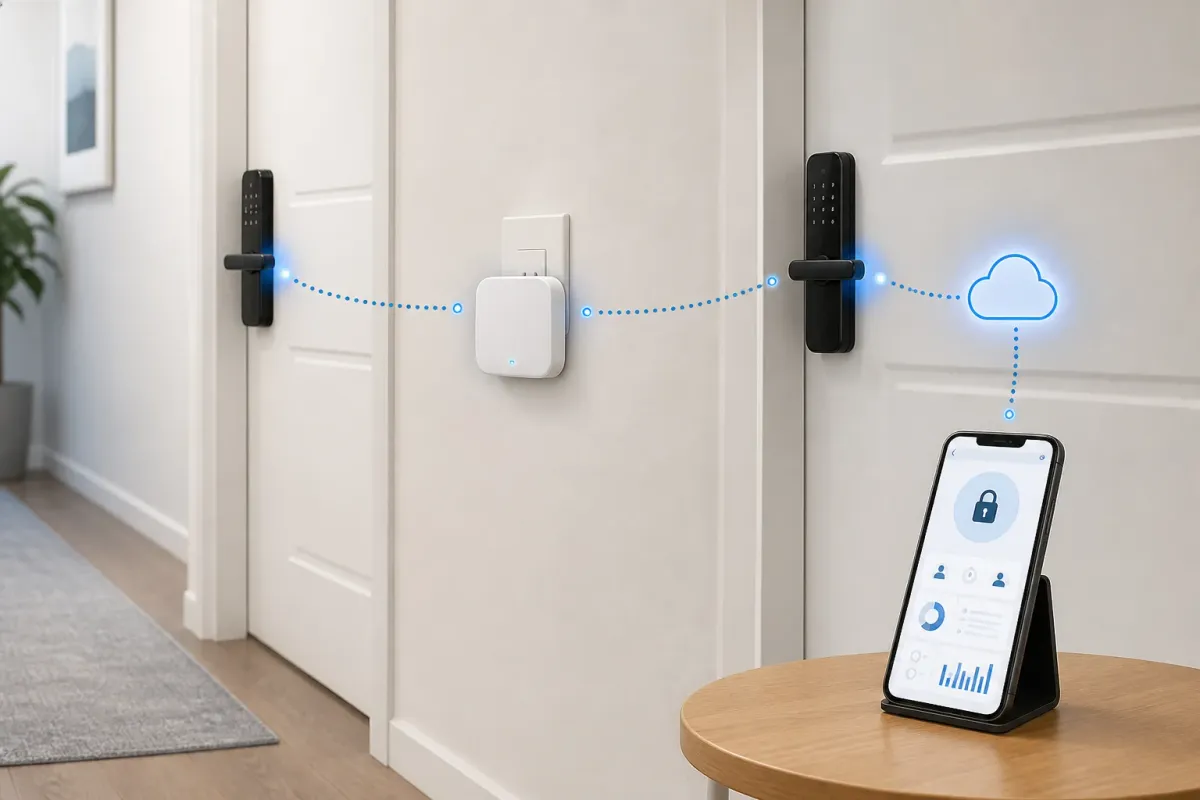
A Bluetooth smart lock is useful when someone is nearby. A gateway is what can make supported remote management possible.
For co-living operators, that difference matters because residents, cleaners, vendors, and managers are not always standing near the door.

What the gateway does
In simple terms, the gateway sits near compatible locks and connects them to the internet. The lock communicates locally with the gateway, and the gateway communicates over Wi-Fi.
Depending on the lock, app, and configuration, a gateway may support remote unlock, passcode changes, access records, lock status, battery visibility, and some lock settings.
Recommended gateway options
The important distinction is not only brand. It is whether the gateway is compatible with the locks in that property and whether the team has tested the remote actions it plans to rely on.
TTLock-compatible G2 gateway
Use case: Bluetooth-to-Wi-Fi remote access management
Use when the team needs remote lock management and the property has reliable Wi-Fi and range.
View productSifely gateway
Use case: Remote management for Sifely locks
Good fit for Sifely-standardized properties where remote access support matters.
View productGateway placement and testing
Gateway placement is operationally important. Walls, distance, door materials, router location, and power interruptions can all affect performance.
Install the gateway close enough to the locks it needs to manage.
Test remote unlock, passcode changes, access-log sync, and battery visibility before promising remote support.
Document which locks are connected to each gateway.
Re-test after Wi-Fi changes, router moves, or lock replacements.
Tenant Reply workflow
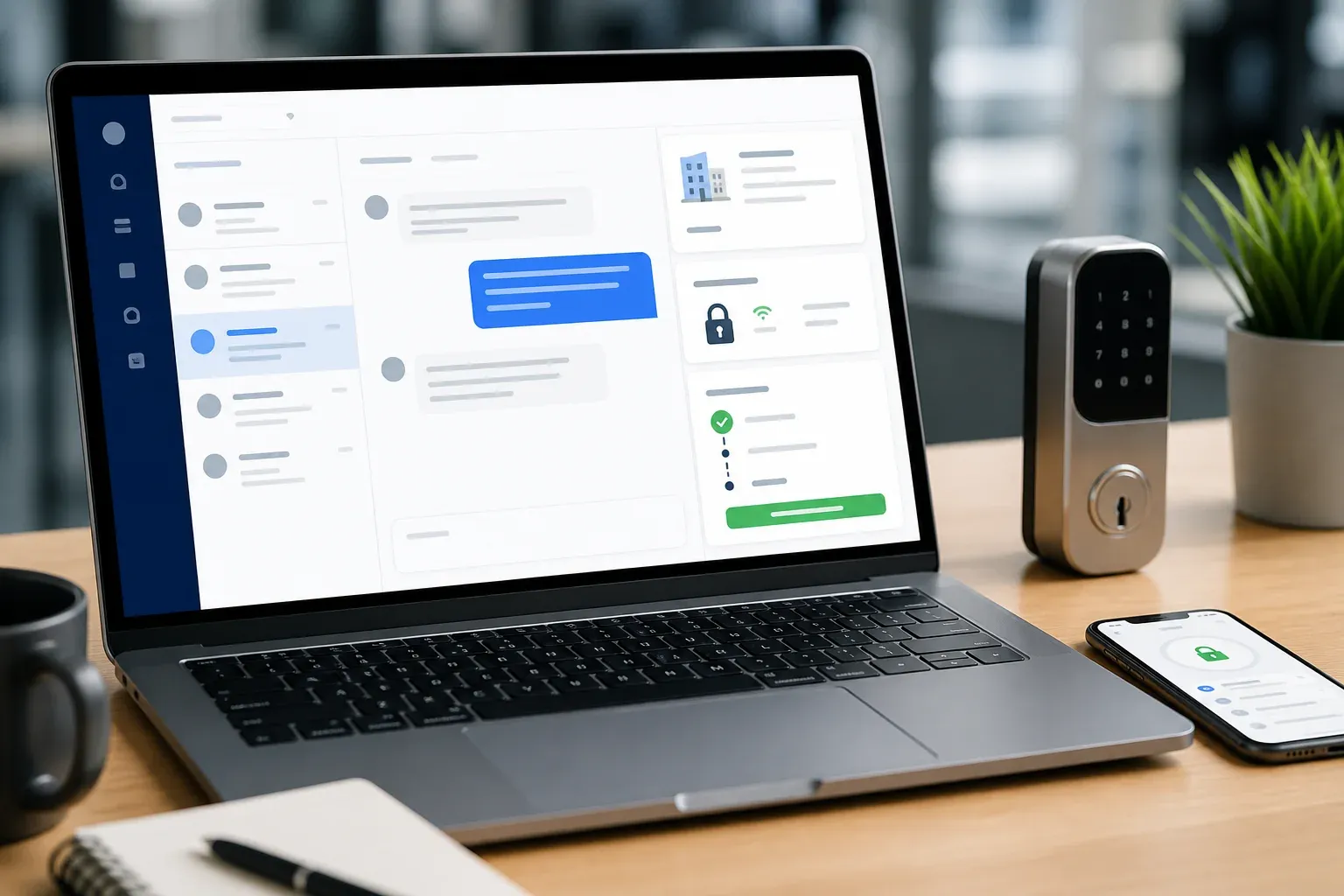
Tenant Reply should not treat every smart lock question the same way. A gateway-enabled lock can produce a different support path than a Bluetooth-only lock.
Resident locked out, cleaner waiting, code missing, or vendor access needed.
Remote action may be possible only if the gateway is installed, online, and tested.
The team gets the right draft instead of guessing from memory.